01
Booking over the phone for two children
A parent wants vaničkování for one child and a toddler group for the other. Messages sit in Instagram, SMS, and a notebook.
Swimming schools
From baby baths to regular swimming courses. Parents book lessons for their children from one account and see their bookings and remaining credits. Your team tracks capacities, payments and attendance without phone calls or paper lists.
Sound familiar?
A parent wants vaničkování for one child and a toddler group for the other. Messages sit in Instagram, SMS, and a notebook.
An eight-week course, a substitute parent, a missed week. Attendance lives in a spreadsheet that nobody updates on time.
You cannot see who still has credits and who disappeared after two lessons. Calling every family is not a system.
What you get
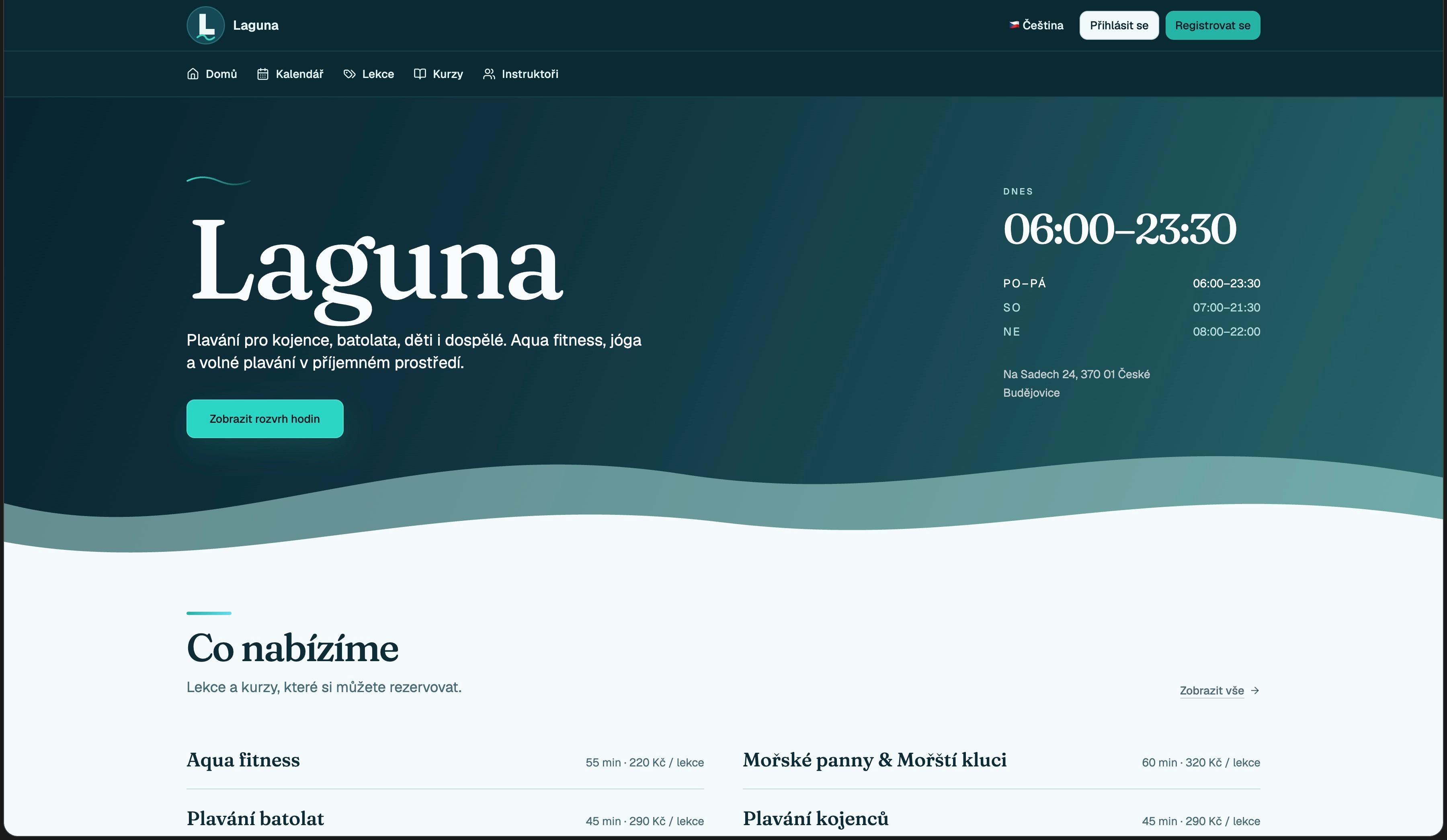
Laguna examples: public website, lesson catalogue, weekly schedule, subscription setup, family client detail and courses. Screenshots are in Czech; the interface also supports English.
One login for the family. Each child is a participant. A parent can take more than one seat in a group.
Recurring groups with capacity, instructors, and a public timetable. Parents enrol themselves.
Packages with a credit balance the parent can see. You track usage instead of counting paper cards.
Tag children, set a follow-up, and open a report of subscribers who have not attended for two weeks.
Case
Swim centre for infants through adults · České Budějovice
Laguna runs vaničkování, infant and toddler swim, preschool and school lessons, mermaid and merman groups, aqua fitness, prenatal swimming, Watsu, yoga, and open swim. Parents hold the account; children are the participants. The public site uses the Ocean theme.
Explore LagunaExplore lessons for infants, toddlers and older children. Check the activity, duration and price before choosing.
Choose a suitable time in the calendar. For regular lessons, explore courses and their individual session dates.
Select the child from the parent account, review the conditions and complete the booking. Pay or use an eligible pass according to the session’s options.
Set the timetable, group capacities, instructors and booking rules. View family participants, bookings and passes together in the client record instead of searching separate lists.
Starter provides a standard booking page for a small team. Business adds your logo, colours and font. An individual layout and your own domain are covered by the Custom plan. Compare instructor, room and monthly session limits too.
PricingFill in your details and we'll get in touch to help you get started.
Who it is for
Find the booking setup that fits the people you teach and the spaces you run.
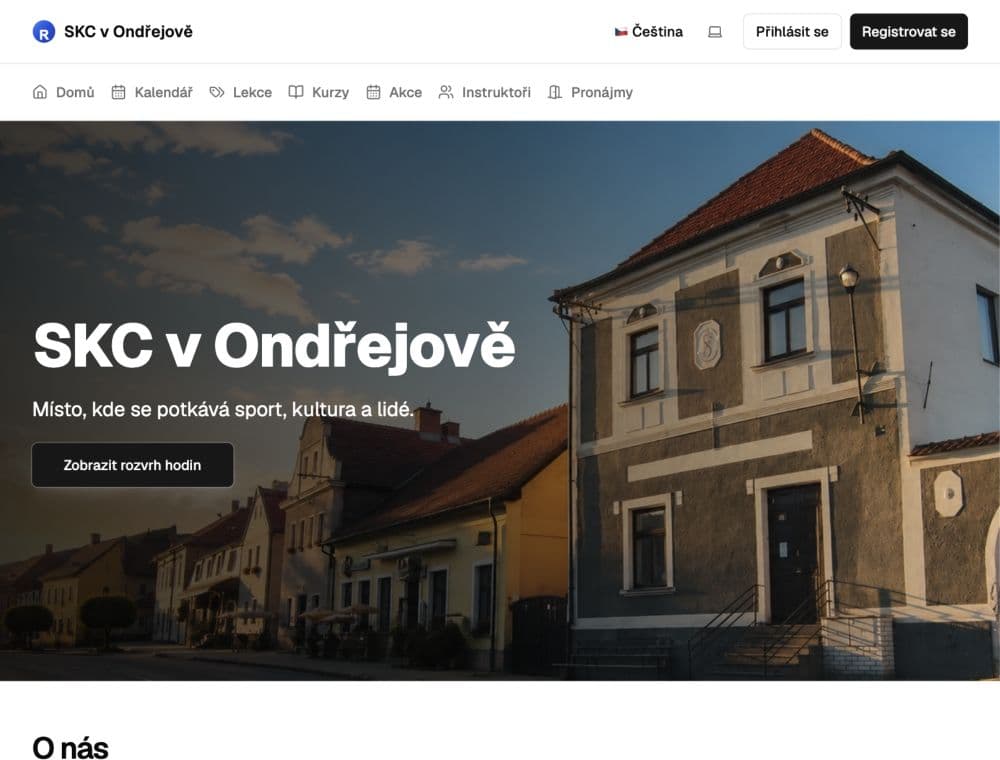
SKC Ondřejov
Classes, club bookings and hall rentals. One clear schedule.
See how SKC books its halls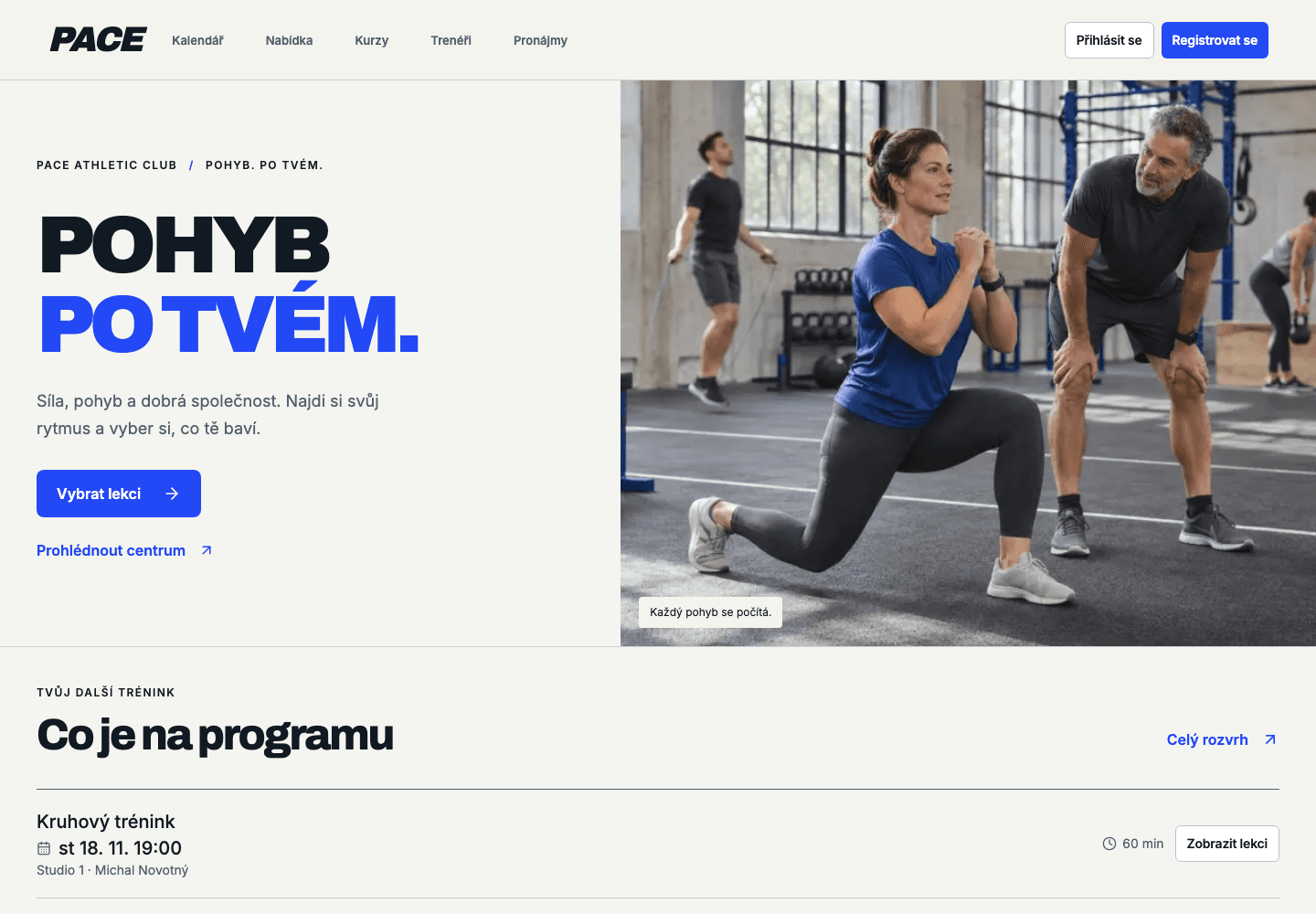
PACE Athletic Club
Group classes, personal training and class passes. Movement at your members’ pace.
How PACE connects classes and passes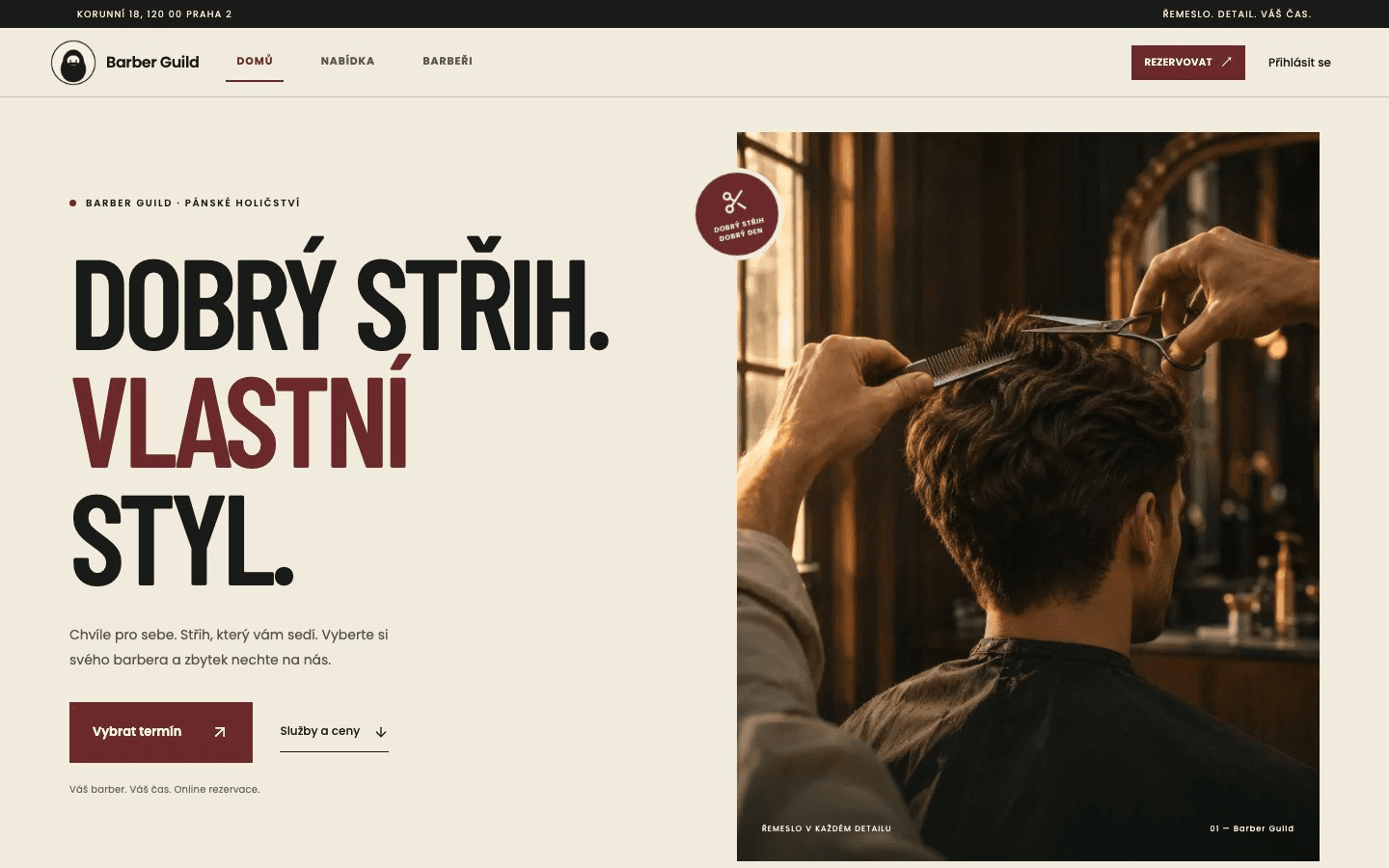
Barber Guild · Prague
Let clients choose their barber and book an available time online.
Explore Barber Guild’s booking setup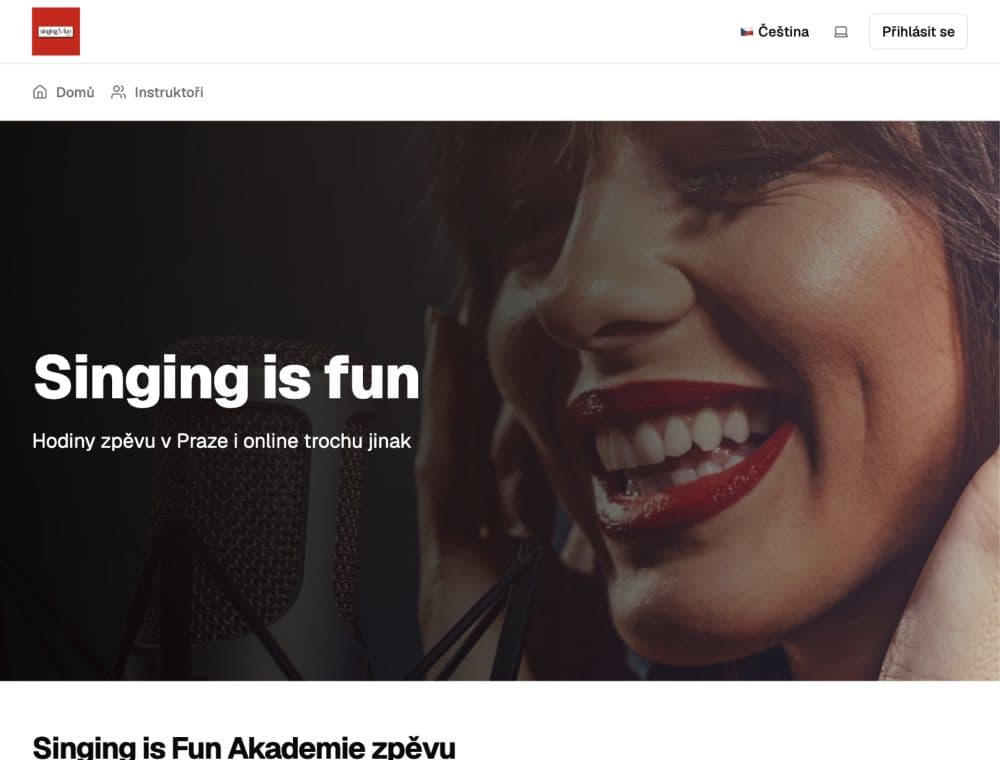
Singing is Fun
Bring private lessons, courses and workshops into one schedule.
See how Singing is Fun manages lessons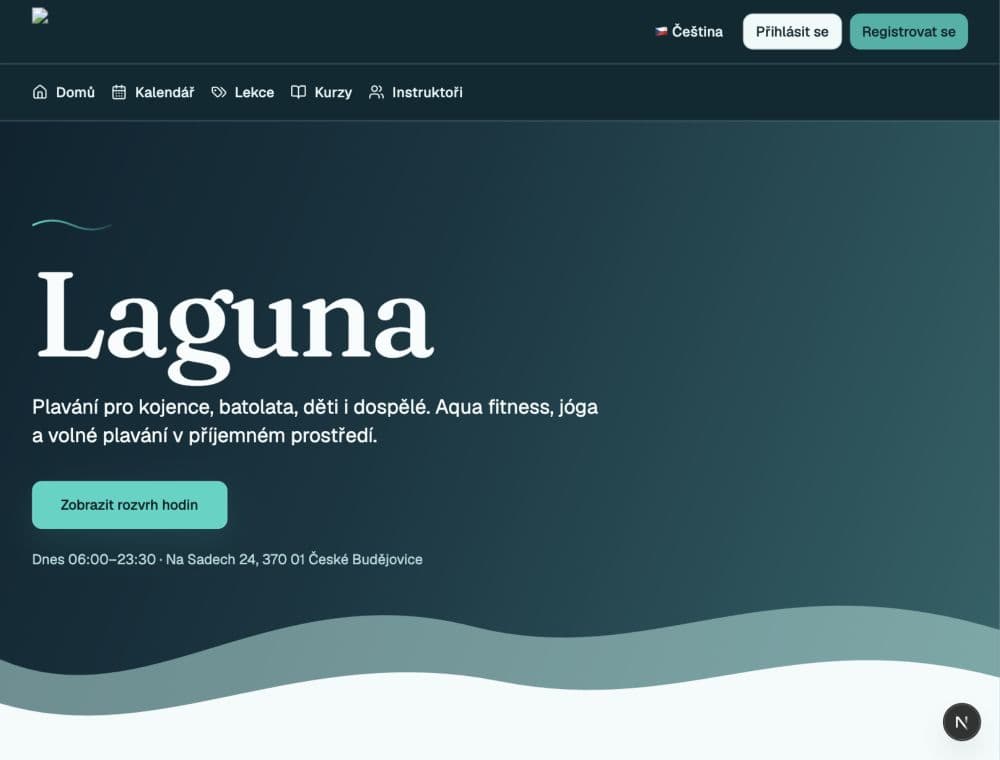
Laguna · České Budějovice
Make booking children’s lessons simple for parents and your team.
Explore Laguna’s swim lesson bookings